
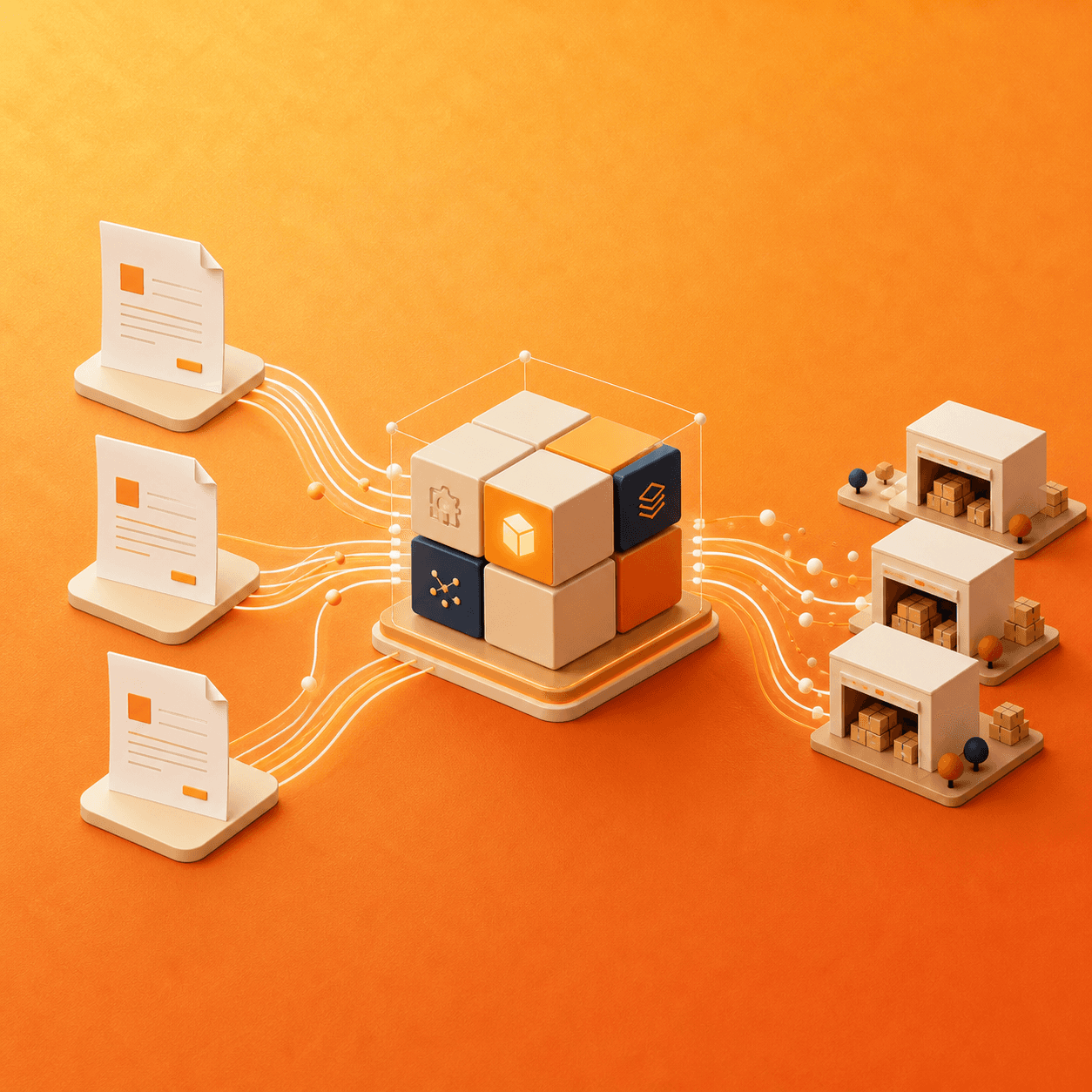
Medusa.js is a strong fit for B2B ecommerce when the buying process cannot be reduced to a standard product page and consumer checkout. It can connect customer-specific catalogs, contract pricing, quotes, approvals, inventory, and ERP order processing inside explicit workflows—while preserving the existing systems a business still needs.
The biggest B2B ecommerce problem is often not storefront design. It is operational fragmentation. Orders arrive by email, PDF, spreadsheet, phone, portal, and sales representative. Pricing lives in an ERP. Product information lives in a PIM. Inventory may come from several warehouses. Staff then re-enter or reconcile the same order across systems.
A useful Medusa implementation should remove that work rather than creating one more disconnected order channel.
Why this problem is urgent
The 2026 State of B2B Ecommerce report from NuORDER describes a market where many brands synchronize some pricing, order, and inventory data with an ERP, but still depend on partial integrations and manual workarounds. Those gaps create inaccurate availability, pricing disputes, delayed orders, and avoidable customer-service work.
Medusa’s published customer stories show what a more integrated model can look like. INSPIRED Pet Nutrition used a Medusa-based order management system to interpret B2B orders arriving through email and documents, connect two ERP systems, and automate the majority of order processing. The case study reports nine-times faster handling and an 80% reduction in processing costs.
Redington’s Medusa platform connects more than 15 systems and supports partner catalogs, real-time ERP pricing and inventory, subscriptions, made-to-order products, and multiple fulfillment models. Its case study reports an 87% improvement in average response time and 24-times greater throughput. These are vendor-published customer results, not guaranteed outcomes, but they demonstrate the type of complexity Medusa is being used to manage.
The correct role for Medusa in a B2B architecture
Medusa should not automatically replace every system. A better approach is to assign ownership by business domain:
- PIM: owns enriched product content, technical attributes, and media.
- ERP: often owns financial records, account terms, invoicing, and sometimes authoritative inventory or pricing.
- WMS or 3PL: owns warehouse execution and fulfillment status.
- CRM: owns sales relationships and account activity.
- Medusa: orchestrates the digital buying journey, cart, order, customer context, and custom commerce workflows.
The architecture must document where each field is mastered, how frequently it synchronizes, and how failures are recovered. Without that agreement, even a technically successful integration can produce conflicting records.
Eight B2B capabilities businesses should define before development
1. Company accounts and buyer roles
Decide whether one company can have multiple buyers, which users can view orders, who manages addresses, and whether account administrators can invite or remove colleagues.
2. Customer-specific catalogs
Some buyers can purchase only approved product ranges, brands, pack sizes, or regions. Catalog eligibility should be enforced in the backend, not hidden only in the storefront.
3. Contract and volume pricing
Pricing may depend on company, customer group, quantity tier, currency, market, contract date, or negotiated exception. Define which system owns the final price and how Medusa retrieves or calculates it.
4. Quotes and approvals
A quote is not simply an abandoned cart. It may require sales review, expiry, revisions, attachments, margin approval, or conversion into a purchase order. Approval flows can also vary by order value and buyer role.
5. Purchase orders and payment terms
B2B checkout may use purchase-order numbers, invoice terms, credit limits, deposits, cards, or a mixture. Credit validation and payment authorization should be separate, auditable steps.
6. Inventory and lead time
For stocked products, buyers need reliable availability. Made-to-order products need production or procurement lead time. Inventory-less models may need a supplier confirmation after the order is placed. Medusa workflows can model these differences explicitly.
7. ERP order synchronization
Define the exact point an order enters the ERP, the identifiers shared by both systems, the response expected, and the compensation action when a downstream call fails. Idempotency prevents retries from creating duplicate ERP orders.
8. Repeat ordering
B2B buyers often value speed over discovery. Order history, saved lists, CSV upload, quick order, reorder, and account-specific product references can generate more value than visual redesign alone.
Two practical ERP integration patterns
Pattern A: synchronized data
Products, prices, inventory, customers, or orders exist in both Medusa and the ERP and synchronize through APIs, scheduled jobs, or webhooks. This supports fast storefront reads but requires conflict rules, freshness monitoring, and reconciliation.
Pattern B: real-time orchestration
Medusa calls the ERP when a buyer requests an authoritative price, availability, order history, or account term. This reduces duplicated data but makes the buying experience dependent on ERP performance and availability. Caching and graceful failure behavior become essential.
Many real projects use a hybrid: stable catalog data is synchronized, while sensitive account pricing or final availability is confirmed in real time.
How AI email-to-order automation should work
- Collect an incoming email and its PDF, spreadsheet, or message content.
- Extract buyer, product, quantity, requested date, and customer references.
- Match the request against known companies, products, units, and pricing rules.
- Assign a confidence score and route ambiguous lines to a person.
- Create a Medusa draft order rather than immediately committing the transaction.
- Validate pricing, stock, credit, address, and fulfillment rules.
- Obtain approval where required.
- Create or synchronize the final ERP order with an idempotent workflow.
- Return a confirmation and preserve the source document for audit.
The safe goal is not “remove every human.” It is to automate predictable work while making exceptions easier to review.
Business metrics to measure
- Cost and staff time per processed order
- Average time from receipt to validated order
- Percentage of orders requiring manual intervention
- Pricing, product-matching, and address error rates
- ERP synchronization failures and duplicate orders
- Digital adoption and repeat-order rate by customer
- Gross margin by account, channel, and order type
When Medusa is a good fit
Medusa is compelling when a business has non-standard pricing, more than one commerce model, integration-heavy operations, or workflows that are expensive to force into plugins. A simple wholesale catalog with standard prices may be better served by a conventional platform. The decision should be based on the cost of the current process and the value of automation—not on architecture fashion.
Sources: INSPIRED Pet Nutrition case study, Redington B2B case study, Medusa ERP integration examples, and the 2026 State of B2B Ecommerce report.
If manual order entry or ERP synchronization is constraining growth, Lyzant can map the workflow and identify where a Medusa implementation would produce measurable operational value.